It turns out our brand isn’t accessible! What do I do?
First: you’re not alone. This happens constantly.
Many organizations use brand colors as accents and use simple combinations (such as dark text on a light background) for most content. That’s totally okay.
But if you’re feeling boxed in, a school brand refresh doesn’t have to be dramatic. It can be as simple as:
-
- adding 1–2 complementary colors that do meet contrast ratios
- adjusting a few shades slightly (darker or lighter)
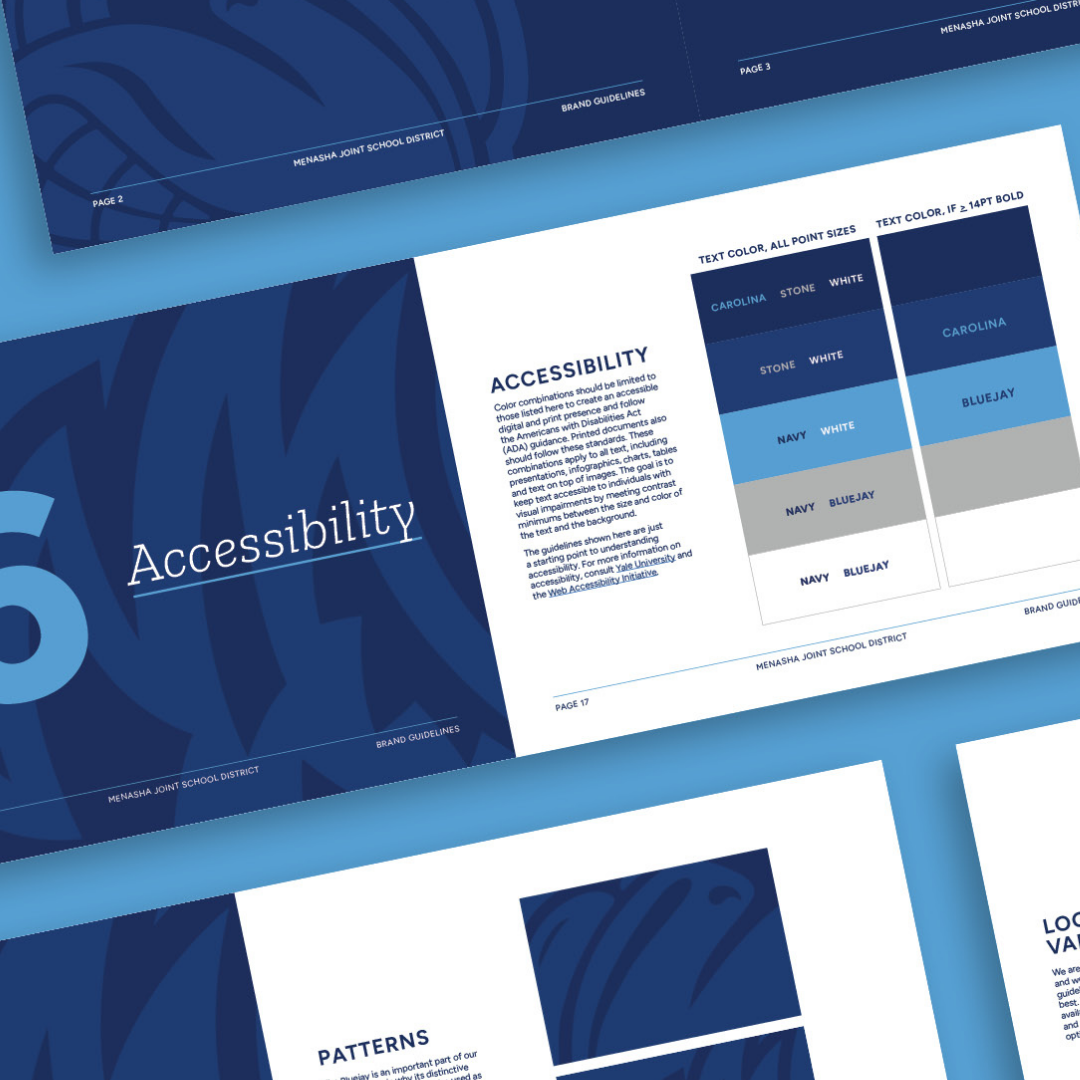
- defining “digital-safe” versions of brand colors for text and buttons
And yes—contrast applies in both printed and digital spaces. (Print can feel forgiving, but if your flyer gets posted as a PDF, emailed, or viewed on a phone, those issues come right back.)
Does our logo have to be accessible?
Aha, so you found the gray area (no color puns intended).
No—your logo itself does not have to meet WCAG contrast requirements. Logos are generally treated differently than body text. Though you will want to ensure that they always have alt text associated with them.
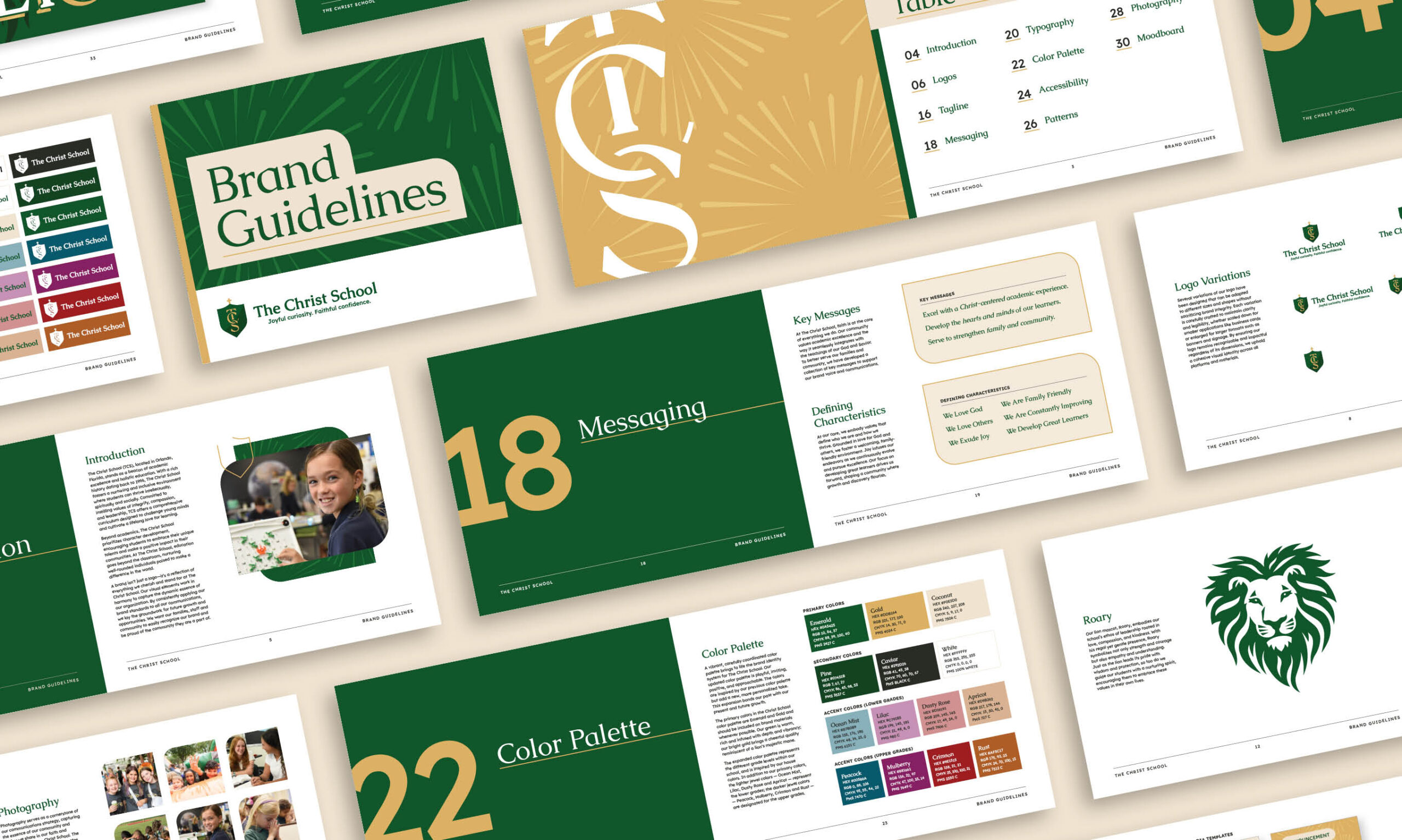
That said, here’s the practical tip: if you’re placing your logo on backgrounds where it’s hard to see, you’re still creating a usability problem. Consider creating:
-
- a light-background version
- a dark-background version
- and a one-color option
Not required. Just smart. And if you decide to do a brand refresh or logo design? Consider accessibility from the very beginning, so your brand designs are usable, not restricting.
Before you hit send: the 60-second check
Here’s the quick “are we being kind to eyeballs?” checklist:
If you pass this, you’re already ahead of the game. (Note, these aren’t the only accessibility requirements in a document, but for visuals, this is a great starting point).
Color contrast isn’t about making everything black-and-white and boring. It’s about making sure your message actually lands. Your websites, your newsletters, your social media aren’t just “content,” they’re how families find dates, deadlines, resources, and help.
And the goal is simple: less squinting, more understanding.